
On this page
On your computer
Teleprompter voice following uses an installed speech model to process speech locally. Your saved meeting records and screen recordings are stored on your computer, and the video editor works with the local recording.
Local storage and local voice following do not mean every feature works offline. Downloads, account verification and cloud features use network services.
When content uses the cloud
- Scripts: when you choose Generate, the notes, source text and context you added are sent for AI processing. Saving and browsing scripts never uploads them.
- Cloud transcription and caption generation: the audio needed for transcription is uploaded for processing.
- AI recaps: transcript text and relevant notes are sent to generate the summary.
- Accounts and subscriptions: account, payment and usage information is handled by the services that provide sign-in, billing and access.
Optional usage analytics
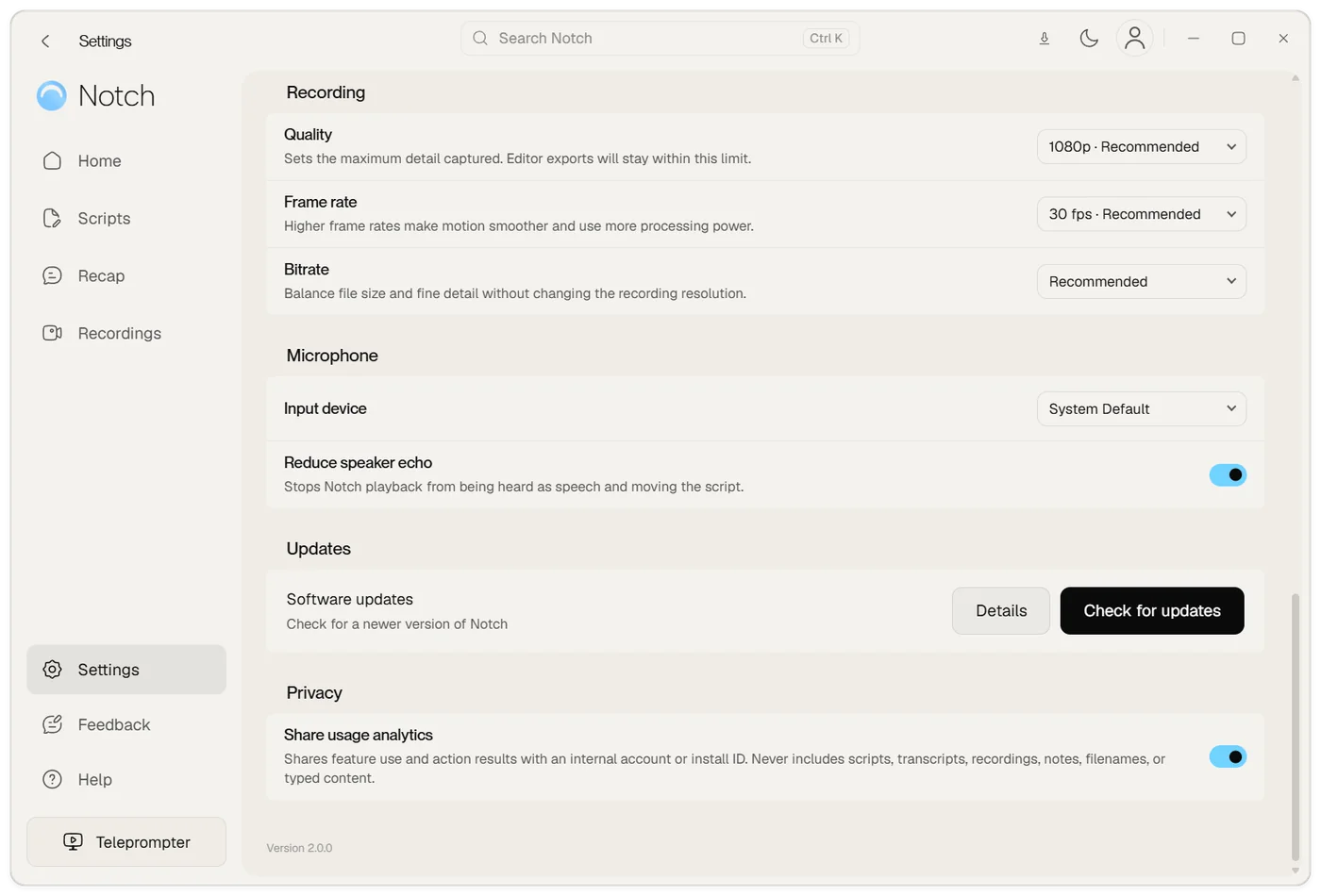
Settings → Privacy → Share usage analytics controls optional product analytics. Events describe feature use and action results with an internal account or installation identifier.
Product analytics excludes scripts, transcripts, recordings, notes, filenames and typed content. Turning this preference off does not turn off the billing and quota accounting needed to operate your account.
Your controls
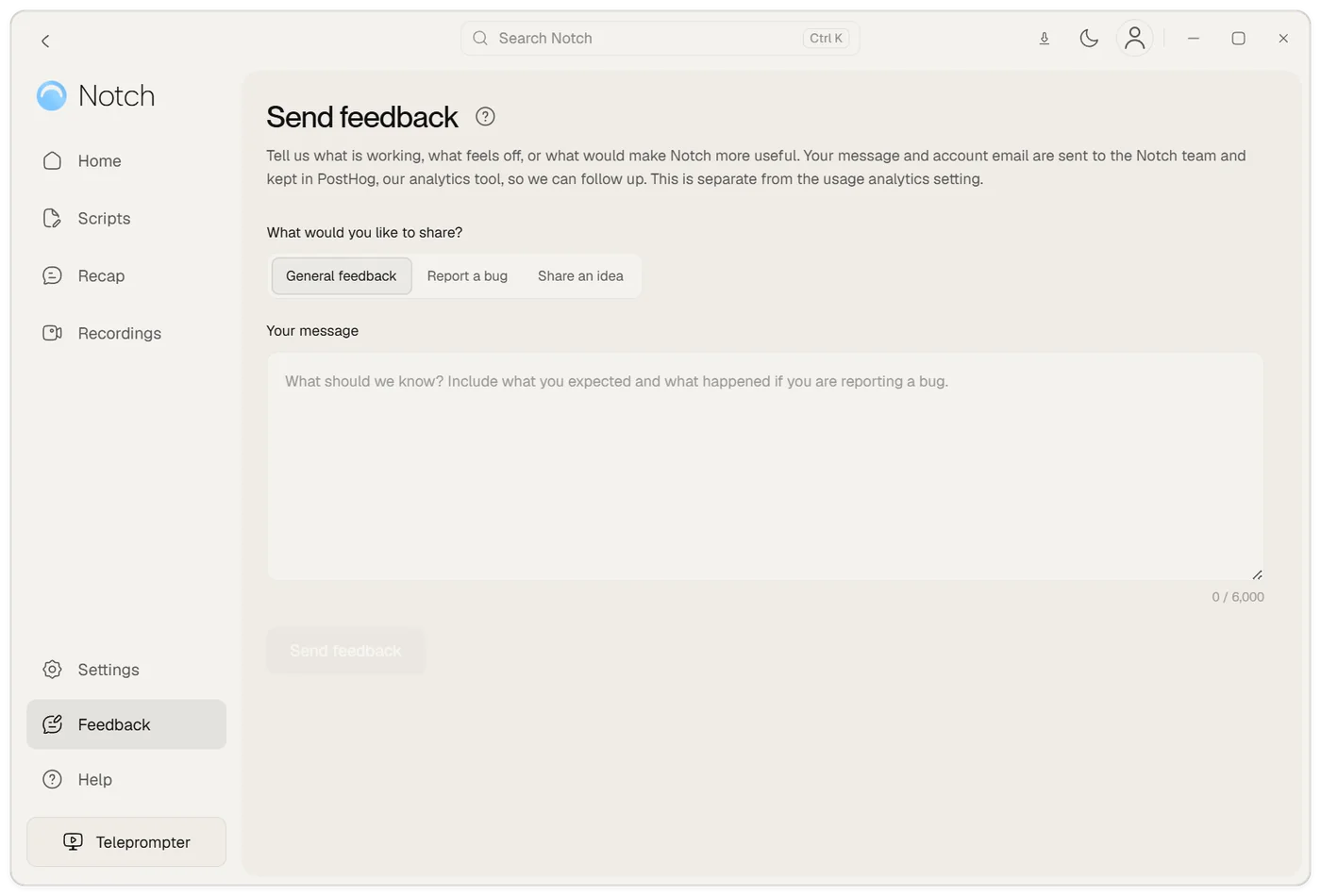
Feedback submitted inside Notch includes your message and account information so the team can follow up. It is stored with your account, and a copy of the message and your account email is kept in PostHog, our analytics tool, so the team can follow up. This is separate from the usage analytics setting. Include only what is needed to explain the issue.
- Choose the microphone, camera and capture source for a recording, and stop capture when you are finished.
- Choose whether to use cloud AI features and what source content you provide.
- Copy or export a recap and choose where to save an exported video.
- Delete saved meetings from Notch when you no longer need them. Deleting a local meeting does not itself request deletion of account or provider-held data.
- Use the support contact for account-data or privacy requests.
The policy and further questions
This is a practical explanation of product behaviour, alongside the legal privacy policy. For legal terms and privacy enquiries, use the links below.