Discovery Call Script: Questions and a Template
A discovery call script is a short list of questions in a set order that helps you understand the buyer's problem before you pitch. Copy the template below, keep it beside your camera and spend the call listening.
Free 7-day trial, no card required · From $7.99 a month · Mac and Windows
How to use this script
Copy the template. Paste it into your notes or your teleprompter before the call.
Fill in the brackets. Add the buyer's name, company and what you already know from your research.
Cut it to prompts. Keep a few words per question so you can look up and listen.
Put it by your camera. Place the script just under the lens so you keep eye contact on video.
Run the call with Notch
Next to your camera
The script floats in its own window that you can place just under the lens on Mac and Windows.
Out of your screen share
With Hide from screen sharing on, the buyer doesn't see your script when you share on Zoom, Teams or Google Meet.
Jump to any section
Mark parts of the script with [jump 1] to [jump 9] and reach them with a shortcut when the buyer changes topic.
A recap after the call
Record the call with no bot joining and get a transcript, summary and action items (Plus or Pro).
The five parts of a discovery call
A good discovery call follows the same shape each time. Use it as a timing guide for a 30-minute call:
| Part | What you do | Time |
|---|---|---|
| 1. Open | Thank them, agree the time and ask what they want from the call. | 2 minutes |
| 2. Situation | Learn how their team works today. | 5 minutes |
| 3. Problem | Find the problem, what it costs and why it matters now. | 10 minutes |
| 4. Decision | Learn who decides, how they buy and by when. | 6 minutes |
| 5. Next step | Sum up what you heard and agree a dated next step. | 7 minutes |
Spend most of the time on the problem. If you run short, cut the situation questions you could have answered with research before the call.
A copy-paste discovery call script
Replace each part in round brackets. The [jump] lines mark sections you may need to reach quickly. In Notch, voice following skips anything in square brackets, so they stay on screen without holding up the script.
[jump 1 open]
Hi (name), thanks for making the time.
We have (30) minutes. Does that still work?

My goal today is to understand how (team) handles (area).
If it looks like we can help, we'll agree a next step.
If not, I'll tell you.

What would make this call useful for you?

[jump 2 situation]
How does your team handle (area) today?
Who's involved, and what tools do you use?

[jump 3 problem]
What made you take this call now?
What's the hardest part of (area) right now?
What happens if nothing changes in the next six months?
Have you tried to fix it before? What happened?

[jump 4 decision]
Who else cares about fixing this?
How does your team usually decide on a tool like this?
Is there a date you're working towards?

[jump 5 close]
So, what I heard is (problem, cost, date).
Did I get that right?
The next step I'd suggest is (demo for the team) on (date).
Who else should join?
Read it out loud once before the call. Cut any line you wouldn't say to a colleague, and keep the rest short enough to take in at a glance.
Discovery call questions by goal
Pick one or two questions from each row instead of asking all of them. The best question on most calls is a follow-up: "Can you give me an example?" or "What happened next?"
| Goal | Questions to ask |
|---|---|
| Understand their day | Walk me through how you handle (area) today. Who does what? |
| Find the problem | What takes longer than it should? Where do things fall through the cracks? |
| Measure the cost | How much time does that take each week? What does it cost when it goes wrong? |
| Find out why now | What changed that made this a priority? What happens if you wait a quarter? |
| Map the decision | Who signs off? Who would use it every day? Has your team bought a tool like this before? |
| Check budget and timing | Is there budget set aside for this? When would you want it running? |
| Agree the next step | What would you need to see to move forward? Who should be on the next call? |
Treat the script as a guide. If the buyer raises something important, follow it and come back to your list afterwards.
Keep the script in view during the call
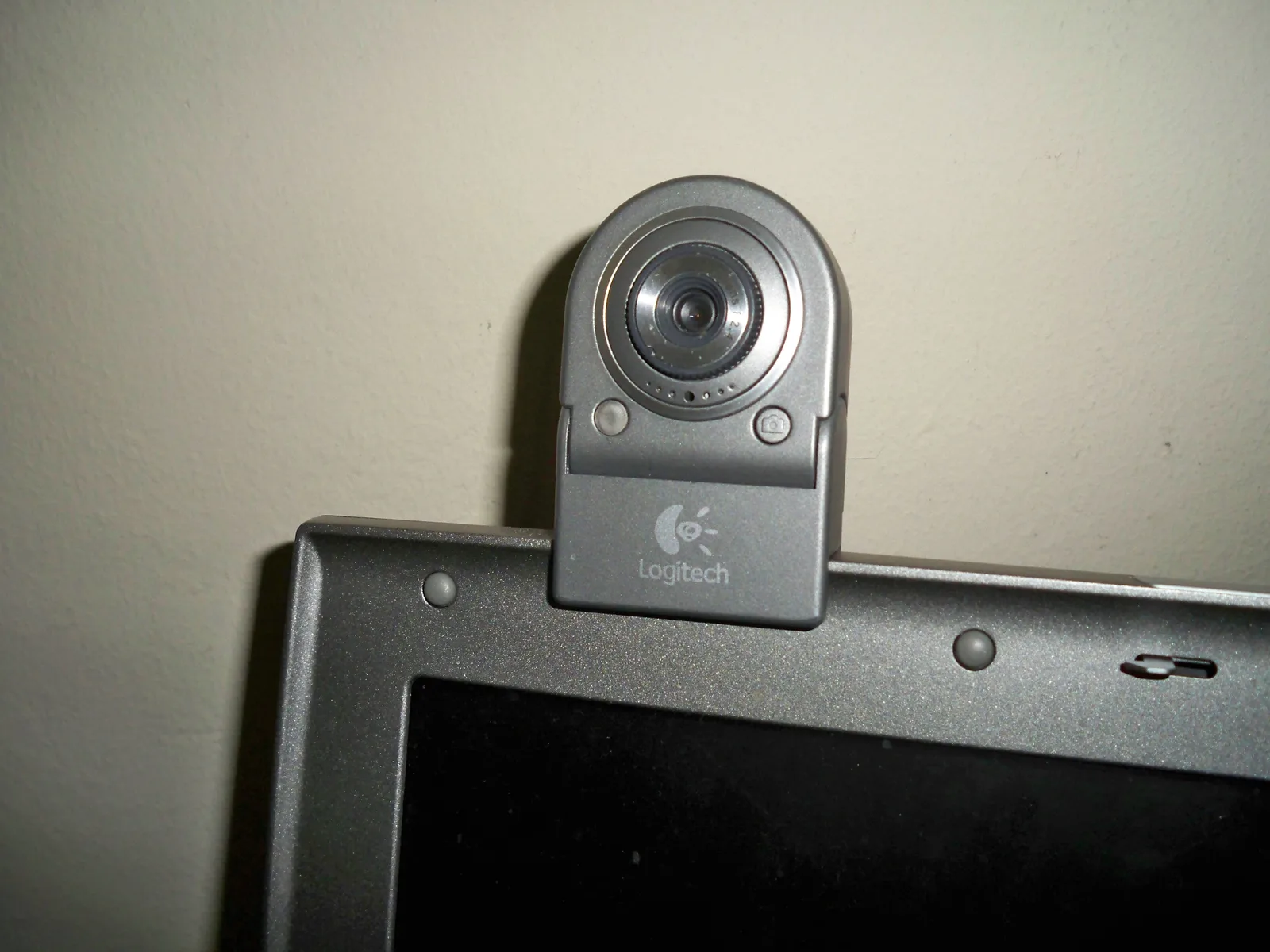
On a video call, looking down at a second screen or a notepad breaks eye contact. Put your script right under the camera instead, so your eyes stay close to the lens while you glance at the next question.

Notch is a teleprompter for Mac and Windows that puts your script in a small window near your camera. It works alongside Zoom, Microsoft Teams and Google Meet:
- Scroll at your pace. Scroll by hand at a speed you set, or turn on voice following so the text moves as you speak and waits when you stop. Voice following runs on your computer.
- Jump when the buyer changes topic. Press Ctrl + Alt + the section number on Windows, or Cmd + Option + the number on Mac, to move to that
[jump]marker. The shortcuts work while the call has focus. - Share your screen without sharing your notes. Turn on Hide from screen sharing, and Notch stays out of the screen share. See the invisible teleprompter page for how it works.
If you know the call well, cut the script down to a few words per question. How to present without reading your notes shows how.
Review the call before you follow up
What the buyer says in a discovery call shapes the demo and the proposal. Check their exact words before you write the follow-up, rather than relying on notes you typed while they talked.
With Notch, you can record the call as a meeting recap. No bot joins the call: Notch records the audio on your computer. Afterwards you get a transcript with who said what, a summary, decisions and action items, with timestamped chapters to find the moment they named a deadline or a budget. Always ask the buyer before you record. The AI note taker page explains recaps in more detail.
Recaps come with Plus or Pro. Every new account starts with a free 7-day trial, no card needed. After that, Plus is $7.99 a month. If you only need the teleprompter, the Notch Teleprompter is $14.99 once, with no subscription. See pricing for the details, or start with the teleprompter script template for demos and team updates.
Get all 6 templates by email
Discovery call script, sales call follow-up email, meeting minutes, product demo opener, weekly team update and lesson or training intro, in one email you can keep.
Frequently asked questions
How long should a discovery call be?
Most discovery calls take 20 to 30 minutes. Agree the time at the start and keep at least five minutes at the end to settle the next step.
How many questions should you ask on a discovery call?
Plan about 8 to 12 questions and expect to use fewer. Follow-up questions on what the buyer says matter more than getting through the list.
Should you read a discovery call script word for word?
No. Read the opening and the agenda if it helps you start calmly, then use the questions as prompts. A script keeps the order clear; the buyer's answers decide where the call goes.
Can the buyer see my script if I share my screen?
Not if you use Notch with its Hide from screen sharing setting turned on. Notch is hidden from Zoom, Microsoft Teams and Google Meet screen shares on Windows 10 and 11 and macOS. Tell the buyer you work from notes if they ask.
Can I record a discovery call?
Yes, if the buyer agrees. Ask at the start and say why, for example so you can focus on them instead of typing notes. Notch records on your computer, so no bot joins the call.